Appearance
Statsig
Pre-requisites
- Enterprise plan is required to enable teams feature in your account.
- Admin or Owner
Finding your API Key on Statsig
You'll now be asked for your Statsig API key.
- To find your API Key. Sign in to your Statsig account.
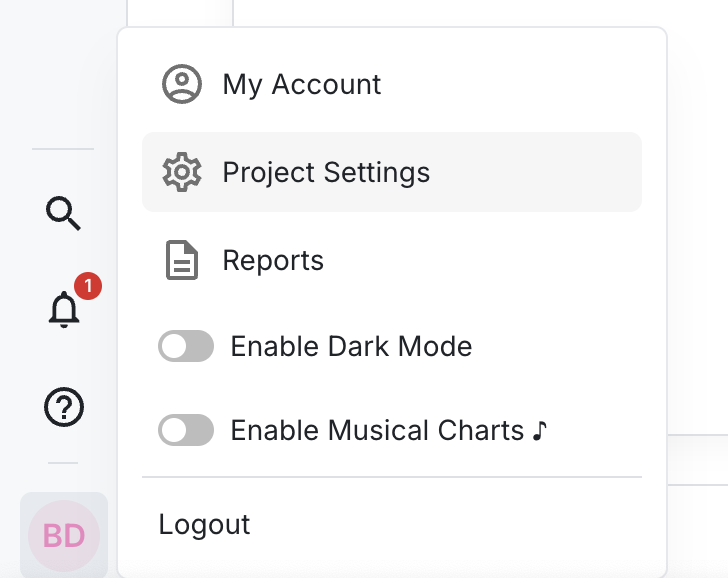
- Click on Project Settings.
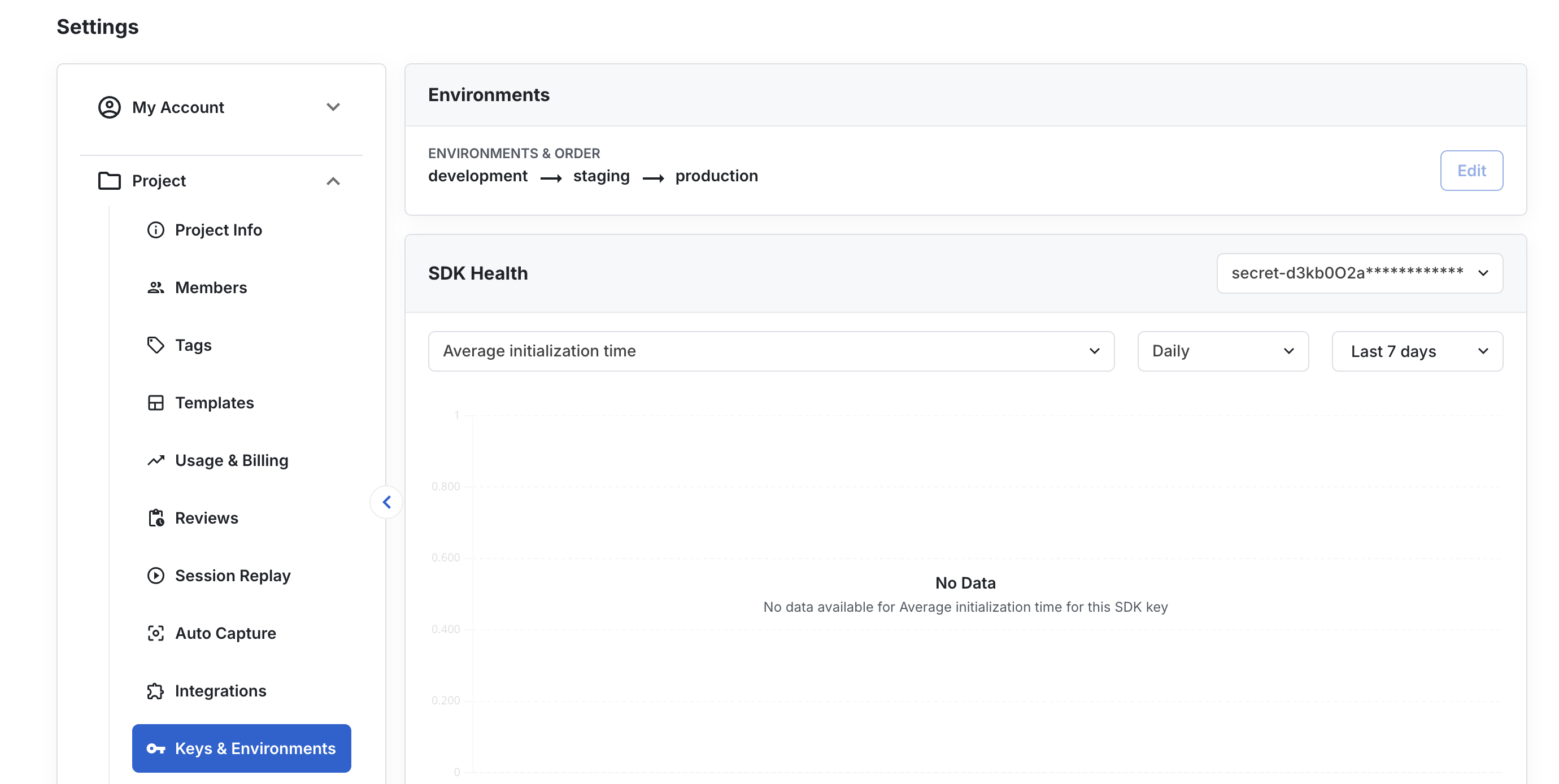
- Select Keys & Environments.
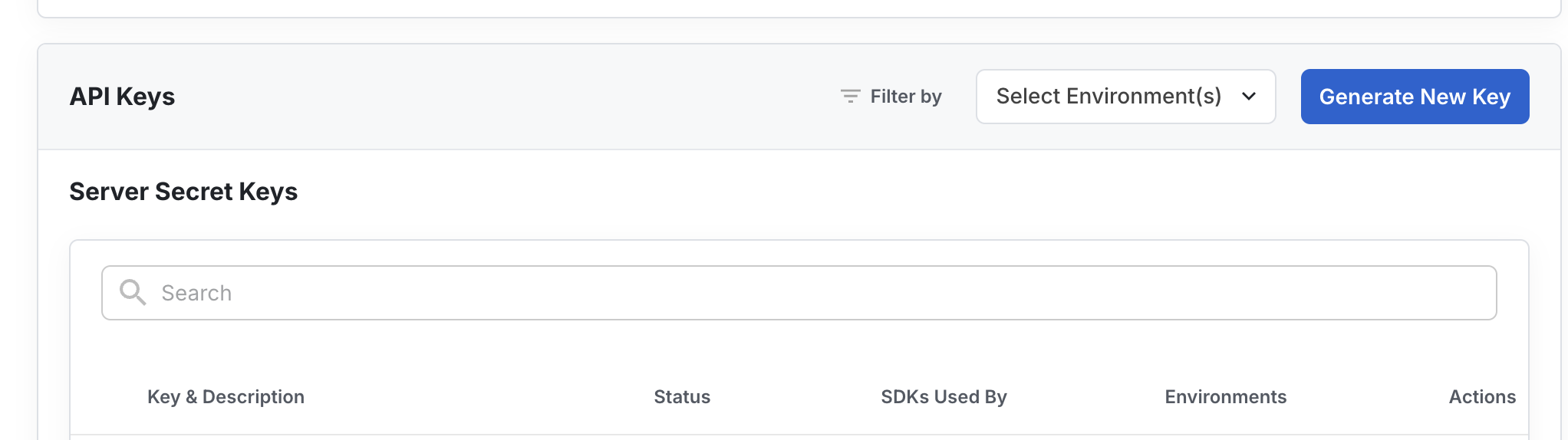
- Click Generate New Key.
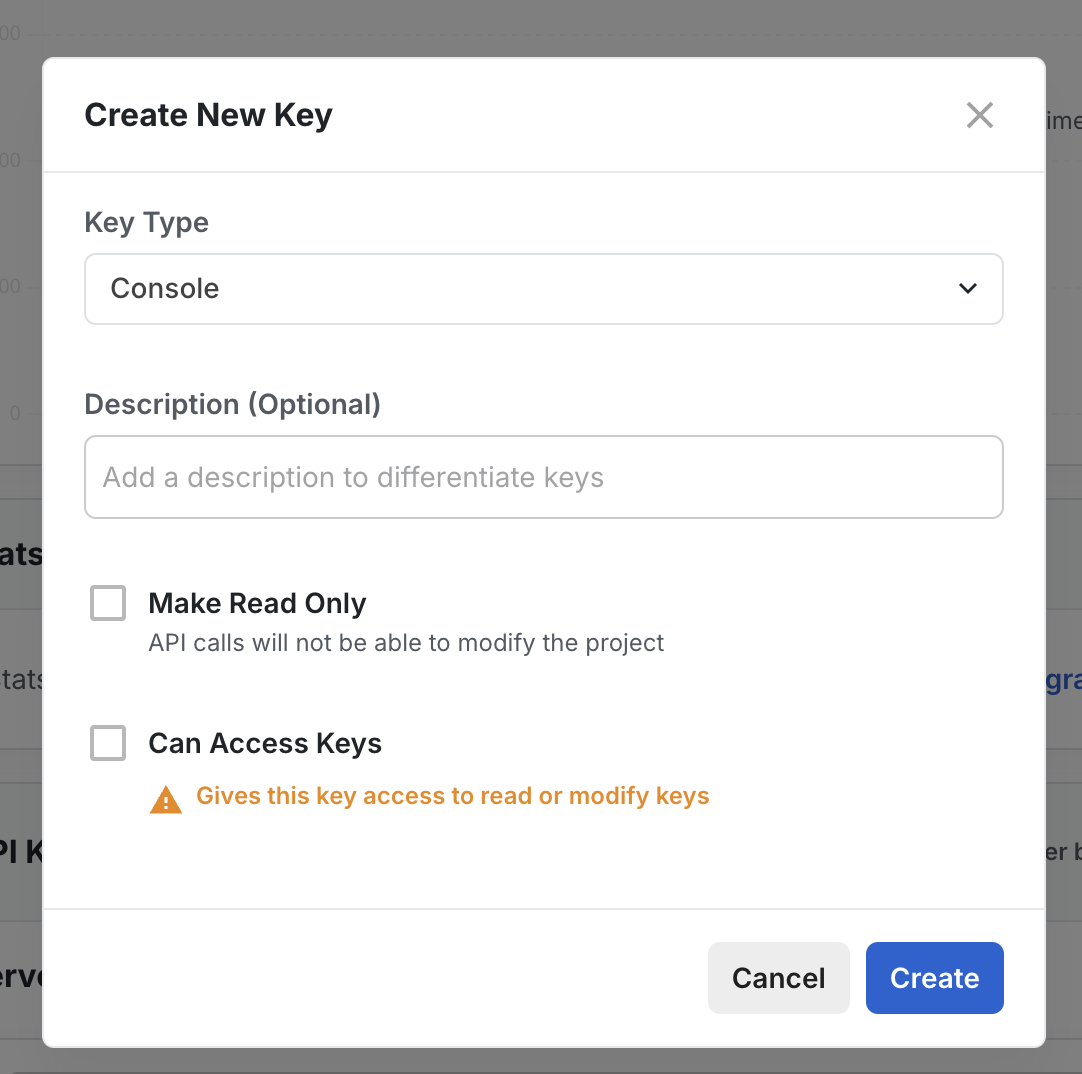
- Select key type as console, add a short description for your API key. Select either make ready only ( only read access ) or can access keys ( both read and write access) as per your requirement. Click Create.
- Then, copy your API key and paste it in the relevant field in Truto and click Connect.